



Add the tasks
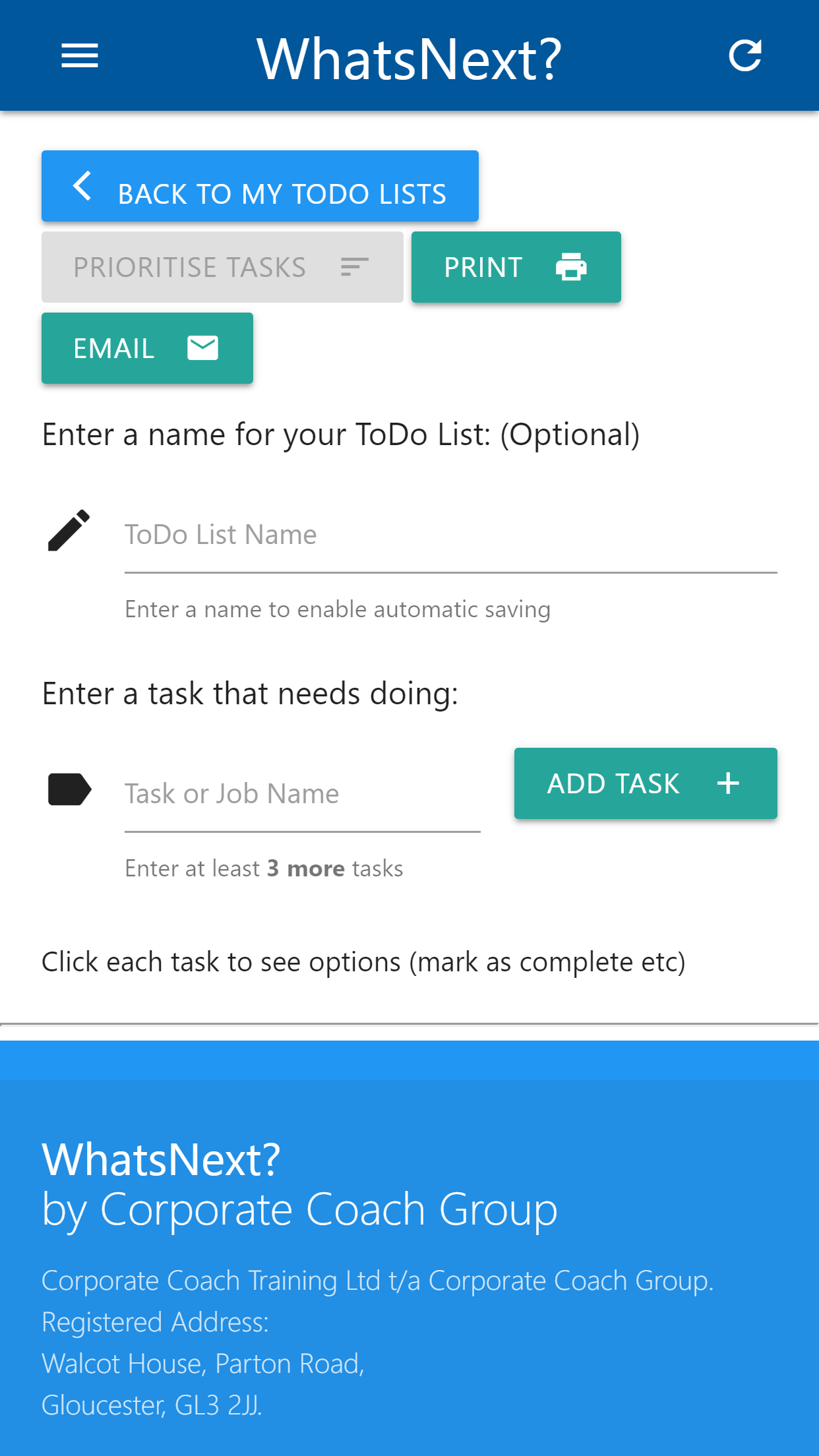
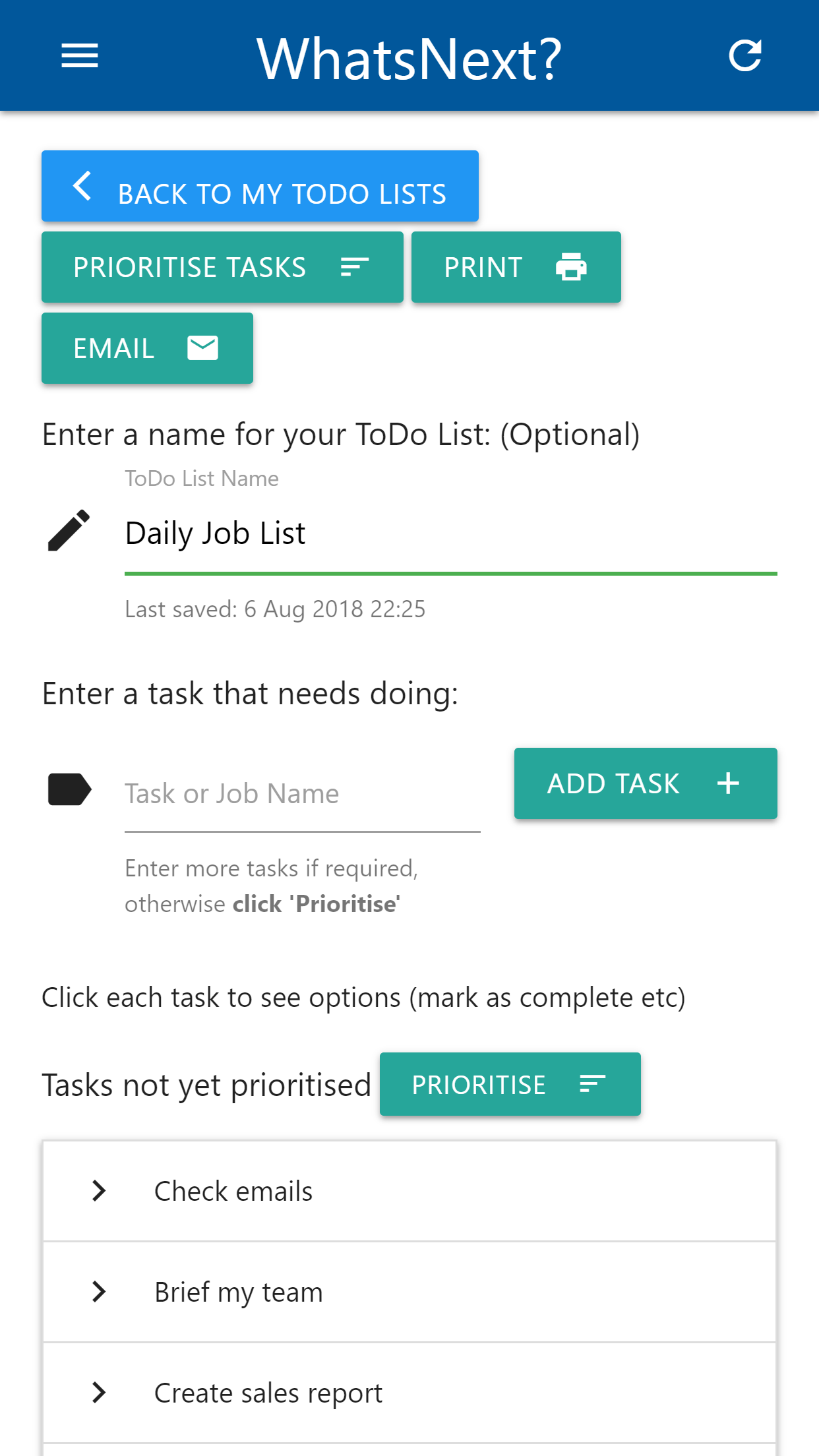
Capture the meaningful actions competing for your time. Write tasks as concrete outcomes rather than broad projects.



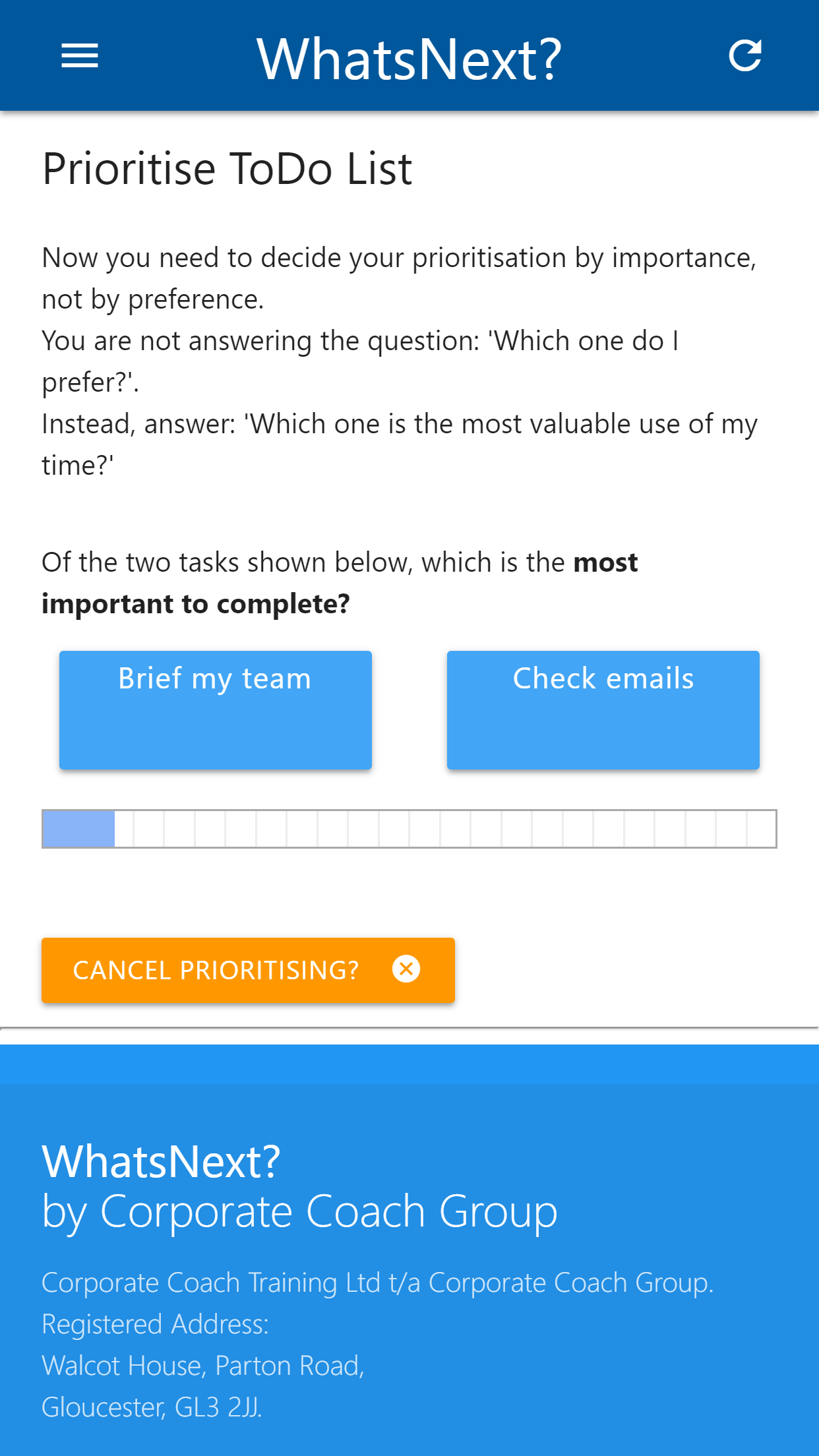
WhatsNext compares tasks two at a time, helping you decide what deserves attention first without trying to rank an entire list in your head.
Use the free web app on your computer or open the mobile version when priorities need to travel with you.
A better to-do list
A conventional to-do list records what could be done but does not decide what should be done first. That leaves the most difficult judgement until the moment you are already trying to work.
Priority order matters because time and attention are limited. High-value, time-sensitive or dependency-setting work should normally be considered before tasks that are merely easy, familiar or visible.
WhatsNext reduces the mental load by comparing two tasks at a time. Each comparison is simpler than assigning a precise score to every item, while the complete set of choices produces a practical running order.
Pairwise comparison
Capture the meaningful actions competing for your time. Write tasks as concrete outcomes rather than broad projects.
For each pair, decide which task should take precedence based on value, urgency, consequences and dependencies.
Use the resulting order as a mental track. Review it when new information changes the relative importance of the work.
Use priorities intelligently
The first order is not permanent. A deadline can move, a dependency can be resolved and a low-priority task can become urgent when its consequences change.
Review the list at natural planning points rather than reacting to every interruption. The aim is deliberate flexibility: stable enough to make progress, but responsive to important evidence.
Pairwise prioritisation is especially helpful when several tasks all appear important. It forces a choice about relative value and removes the temptation to label everything as the top priority.
Questions answered
WhatsNext is a free priority to-do list application from Corporate Coach Group. It compares tasks against one another to help put them into a deliberate working order.
The method presents tasks in pairs and asks which one should take priority. Repeating the comparison across the list produces an ordered sequence without asking you to rank everything at once.
Yes. Launch the WhatsNext web application in a current browser. Mobile versions are also available from Google Play and the Apple App Store.
Yes. The web application and current mobile listings are free to access.
Review it when deadlines, consequences or dependencies change. Priorities are decisions based on current information, not permanent labels attached to tasks.